00
Start here
Pick the role that describes you. Each path gets you to productive in roughly fifteen minutes.
Path 01
New employee
Log daily reports, track your projects, request leave, raise tickets. Everything under My Workspace.
Start →
Path 02
HR or admin
Configure the company from zero — employees, payroll, policies, attendance, assets. Follow the steps in order.
Start →
Path 03
Operations manager
Run sales, CRM, projects, procurement. Convert leads to revenue and keep the pipeline moving.
Start →
01
My Workspace
Your personal view. Every employee has access — daily reports, project tasks, leave requests, tickets, and more.
Workspacep.1
My Updates
System notifications, task assignments, and company announcements. Check first thing each morning.
→
Workspacep.2
EOD Reports
Submit your End-of-Day report. View past submissions and drafts under My EOD.
→
Workspacep.3
My Projects & Tasks
See what you're assigned to and what's due today. Update status as you progress.
→
Workspacep.4
My Tickets
Raise a support ticket or view tickets assigned to you. Track status and priority.
→
Workspacep.5
My Leaves
Apply for leave, view balances, and track approval status. Weekends excluded automatically.
→
Workspacep.6
My Requisitions
Request supplies, equipment, or resources. Add itemized entries with unit prices and quantities.
→
Workspacep.7
My Trainings
Access assigned training courses and learning materials.
→
Workspacep.7
My Grievances
File and track workplace complaints privately and formally.
→
Workspacep.7
My Assets
View company equipment and hardware assigned to you.
→
Workspacep.7
My Contact
View and update your contact details and communication preferences.
→
02
Operations
Where the business runs. Projects get delivered, deals get closed, stock gets managed, and vendors get paid.
Operationsp.10
Projects
Create and manage active projects. Set type, priority, dates, PO value, budget, and assign team leads.
→
Operationsp.11
Project Types
Define categories like Creative, In-house, or Client. Used across all projects for classification.
→
Operationsp.10
Archived Projects
Reference completed or archived projects for historical lookup and audit trails.
→
Operationsp.12
Products & Inventory
Manage your product catalog with SKUs, cost/selling prices, stock levels, and photos.
→
Operationsp.12
Product Categories
Organize inventory into categories and subcategories for filtering and reporting.
→
Operationsp.14
Quotations
Draft and send sales quotations before order confirmation. Add line items, VAT, tax, and discount.
→
Operationsp.15
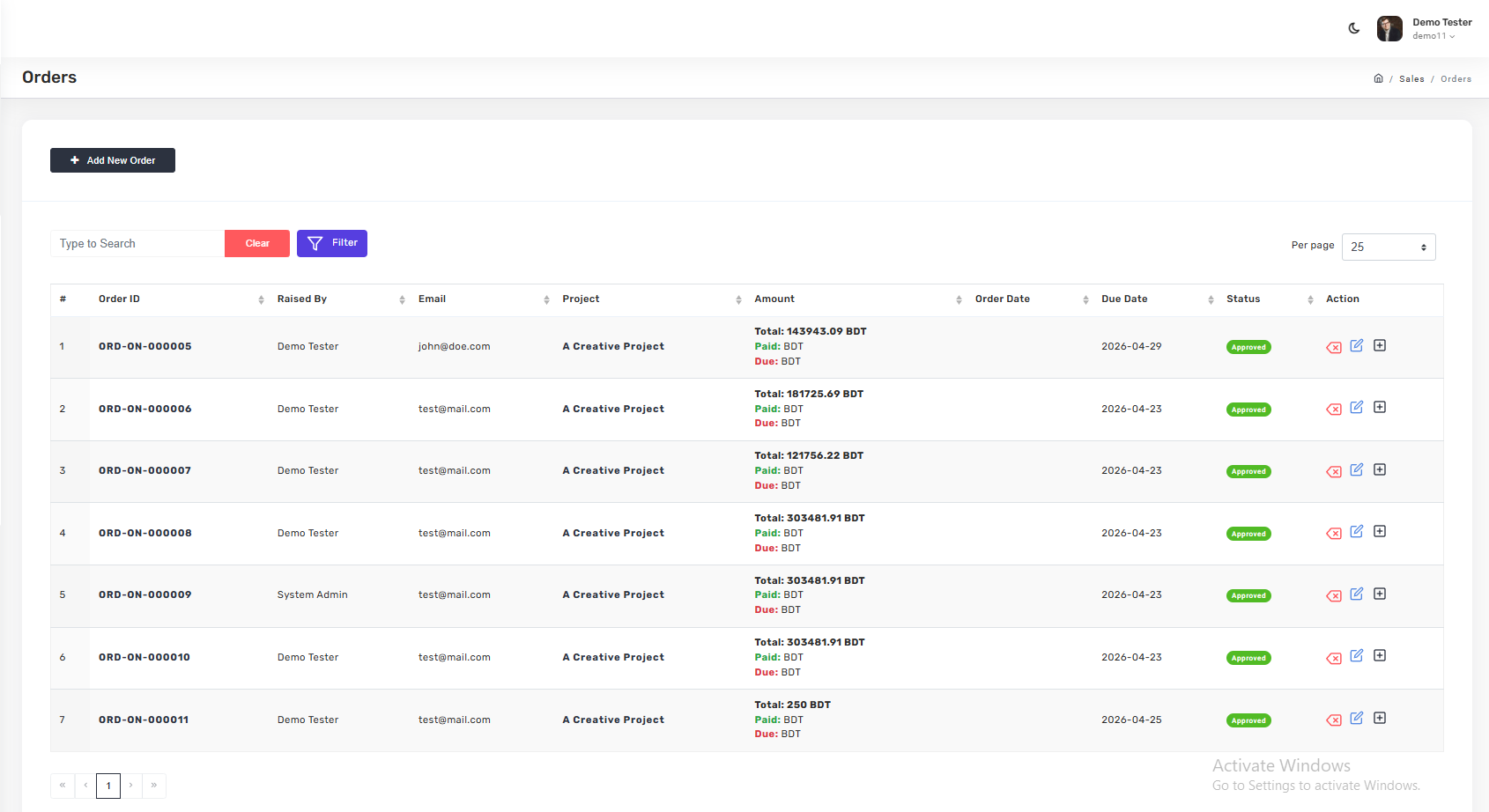
Orders
Convert quotations into confirmed orders. Track status, amount, due dates, and payments.
→
Operationsp.16
Sales Collection
Record payments received. The Due Bill view shows outstanding amounts by customer.
→
Operationsp.17
Sales Returns
Handle customer returns. Track delivery, return reason, and approval status.
→
Operationsp.18
Fulfillment
Plan dispatch with route-first batching. Assign vehicles and monitor load progress.
→
Operationsp.19
CRM — Leads, Clients, Companies
Capture leads, convert them into clients, and manage B2B company-level relationships.
→
Operationsp.22
Vendors & RFPs
Manage vendor contacts, registered vendor lists, and Request for Proposal workflows.
→
Operationsp.25
EOD Reports (Team View)
Managerial view of all team EOD submissions. Spot gaps with the EOD Sheet grid.
→
03
HR & Admin
Configure the company and run the back office. Follow the setup guide in sequence for a new deployment.
HRp.31
Policy
Manage internal company policies like Code of Conduct, Work From Home, and HR rules.
→
HRp.32
Compliance
Store legal and regulatory documents — NDAs, tax declarations, mandatory forms.
→
HRp.33
Requisition
Manage internal requests — assets, resources, travel, administrative approvals.
→
HRp.34
Holidays
Define public holidays. Feeds attendance calculations and leave logic automatically.
→
HRp.34
Grievance (Admin View)
Review and manage employee-submitted grievances with full status tracking.
→
HRp.35
Activity Log
System-wide audit trail of every action, with timestamps and user attribution.
→
HRp.35
Ticket (Admin View)
Change ticket status and priority, and comment on tickets with user references.
→
HRp.36
Onboarding Setup
Bundle policies and compliance docs by boarding type — full-time, contractor, intern.
→
HRp.37
Payroll
Build payroll from items up — payroll lines, designation-level structures, per-employee payroll.
→
HRp.39
Organization
Set up departments, designations, and employees. Establish the reporting hierarchy.
→
HRp.40
Organization Settings
Company identity, weekend days, BIN/TIN, and branding assets for system-generated documents.
→
HRp.42
Time Sheet
Real-time workforce status — who's present, absent, or on leave today.
→
HRp.42
Attendance
Monthly grid with per-day check-ins. The source of truth for payroll calculations.
→
HRp.44
Asset Management
Log company assets with purchase details, warranty dates, photos, invoices, and allocation.
→
HRp.46
Leave Management
Define leave types (Casual, Sick, Annual) and approve employee leave requests.
→
HRp.47
Training Management
Create training programs, register trainers, and assign employees to sessions.
→